
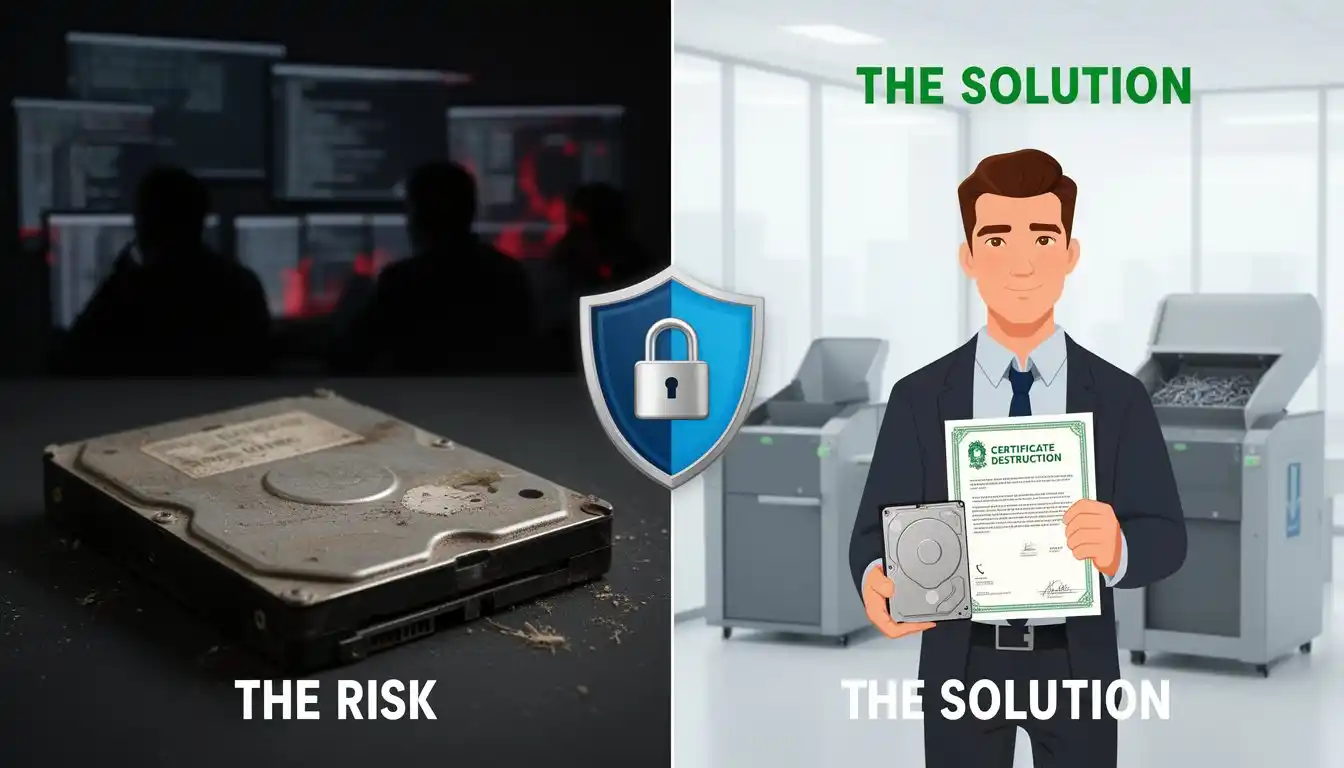
When your business upgrades computers, servers, or storage devices, the old equipment eventually reaches disposal. Most business owners assume that once a hard drive is deleted or formatted, the data is gone.
Unfortunately, that assumption is wrong.
Improper hard drive disposal is one of the most common ways businesses accidentally expose sensitive data. Even drives that appear empty can still contain recoverable information—client records, financial data, employee files, and internal communications.
Without certified secure disposal, that information can end up in the wrong hands.
In this guide, you’ll learn:
- Why deleting files or formatting a drive does not remove data
- The risks businesses face when drives are discarded improperly
- The difference between data wiping, destruction, and shredding
- How certified hard drive disposal protects your organization
For most small and mid-sized businesses, secure disposal is the final and often overlooked step in protecting company data.
The Hidden Risk — Data Isn’t Gone When You Think It Is
Deleting files does not destroy data.
When a file is deleted, the operating system simply removes the pointer that tells the system where the file exists. The data itself often remains on the drive until it is overwritten.
Even actions that seem thorough—such as formatting a drive or performing a factory reset—typically leave recoverable information behind.
With widely available data recovery tools, a skilled technician can often reconstruct large portions of a drive’s contents in minutes.
That means a discarded hard drive could still contain:
- customer records
- financial documents
- internal communications
- employee information
- archived backups
Cybercriminals and data brokers frequently purchase used drives from auctions, liquidation sales, and recycling facilities specifically to extract this information.
For businesses, the consequences can include:
- identity theft exposure
- regulatory violations
- breach notifications
- lawsuits and fines
- long-term reputation damage
Secure disposal is the only way to guarantee that this data cannot be recovered.
Hard Drive Disposal for Businesses
Businesses regularly retire equipment such as:
- desktop computers
- laptops
- servers
- external storage devices
- NAS and RAID systems
Each of these systems typically contains one or more hard drives storing years of operational data.
Standard recycling or e-waste disposal services usually focus on recovering materials—not protecting data. Drives may be resold, refurbished, or recycled without verified erasure.
Secure hard drive disposal ensures that data is permanently destroyed before equipment leaves your control.
For businesses handling customer information, financial data, healthcare records, or internal intellectual property, this step is essential.
Hard Drive Destruction vs Data Wiping
There are several recognized methods for eliminating data from storage devices. Each method serves a different purpose depending on whether the drive will be reused or permanently destroyed.
Certified Data Wiping
Certified wiping uses specialized software to overwrite every sector of a drive with randomized data multiple times.
Modern standards such as NIST SP 800-88 define secure erasure procedures widely accepted by government and industry compliance frameworks.
Advantages:
- permanently removes recoverable data
- allows drives to be reused or recycled
- provides documented proof of erasure
This is the method most commonly used for business IT equipment being retired.
Hard Drive Destruction
Hard drive destruction physically damages the device so the storage platters or memory chips cannot be read.
Common destruction methods include:
- crushing
- drilling
- shredding
- industrial destruction equipment
Once destroyed, the drive cannot be reused.
Destruction is often required when dealing with highly sensitive information.
Hard Drive Shredding Services
Hard drive shredding is one of the most secure methods of data destruction.
Industrial shredders physically break drives into small fragments, making data recovery virtually impossible.
Shredding is commonly used in industries with strict compliance requirements, including:
- healthcare organizations handling HIPAA data
- financial institutions
- legal firms
- government agencies
Because shredding produces visible destruction, it is also one of the most verifiable methods of secure disposal.
Organizations often combine shredding with documented chain-of-custody procedures to ensure the drives were destroyed properly.
How to Destroy a Hard Drive Safely
Many businesses attempt to destroy drives themselves using improvised methods.
Common approaches include:
- drilling holes through the drive
- smashing drives with tools
- using magnets
- deleting files or formatting
These methods are unreliable.
Hard drives contain multiple platters where data is stored magnetically. Even when physically damaged, large portions of data can sometimes still be recovered.
Professional disposal services use certified tools and documented procedures to ensure data cannot be reconstructed.
For businesses responsible for protecting sensitive information, professional destruction is the only dependable option.
Certificate of Data Destruction
After secure disposal, reputable providers issue a Certificate of Data Destruction.
This document confirms that:
- the drive was securely erased or destroyed
- the disposal followed recognized standards
- the process occurred under verified custody
Certificates are often required for:
- compliance audits
- regulatory reporting
- internal security documentation
- insurance or legal verification
Maintaining these records protects businesses from liability if questions arise about how retired equipment was handled.
Secure Computer and Server Disposal
Hard drives are not limited to desktop computers. Many other devices contain storage media that must be securely erased before disposal.
Examples include:
- servers and virtual infrastructure hosts
- laptops and workstations
- RAID arrays and NAS storage systems
- backup appliances
- external drives and portable storage
Before any equipment leaves a business environment, all storage devices should be securely wiped or destroyed.
This ensures confidential business data does not remain embedded in retired hardware.
How OConnell I.T. Handles Secure Hard Drive Disposal
At OConnell I.T., secure data protection extends throughout the entire lifecycle of your equipment—from installation through retirement.
When businesses upgrade or retire systems, we ensure every storage device is handled securely.
Our process includes:
- certified multi-pass data wiping using NIST-compliant standards
- verification of complete erasure
- documented chain of custody
- certificates of data destruction for compliance records
- responsible equipment recycling or disposal
This approach eliminates the risk that sensitive information could leave your organization unintentionally.
Taking Action
Many businesses have retired computers or servers sitting in storage rooms, closets, or warehouses.
Each of those devices likely contains hard drives filled with company data.
Before that equipment is recycled, sold, or discarded, those drives must be securely erased or destroyed.
OConnell I.T. helps businesses safely retire old IT equipment while ensuring confidential information is permanently removed.
If your company has aging systems ready for disposal, we can assess the equipment, securely erase all drives, and provide full documentation for compliance.
Protecting your business data doesn’t stop when equipment is replaced. It continues until the final drive is securely destroyed.